

- Watch a task done step by step. Each lesson follows a short list of steps.
- Jump to the part you need. Every lesson has a list of chapters with their times.
- Read instead of watch. Every lesson has a written walkthrough and captions.
- Pick up where you stopped. AskFunnel remembers your place in a lesson.
- To be signed in. See Sign in to AskFunnel with Google or an email link.
- An active plan or free trial. The lessons are inside the app, so after a trial ends you see the page about your plan first.
Important to note
Watch a lesson
1
Open the Learn tab
Click Learn (the book icon) in the top bar. On a small screen, only the icon shows. The page is titled Learn AskFunnel.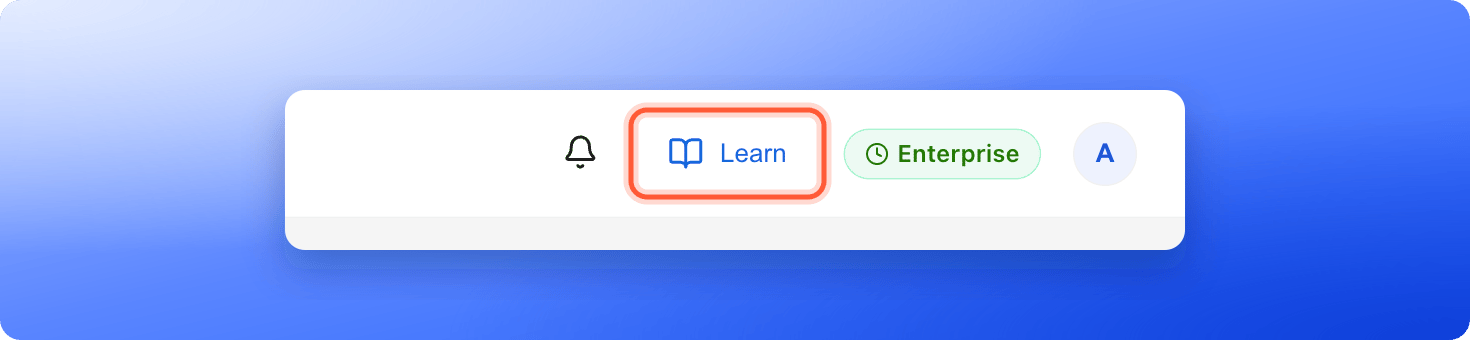
2
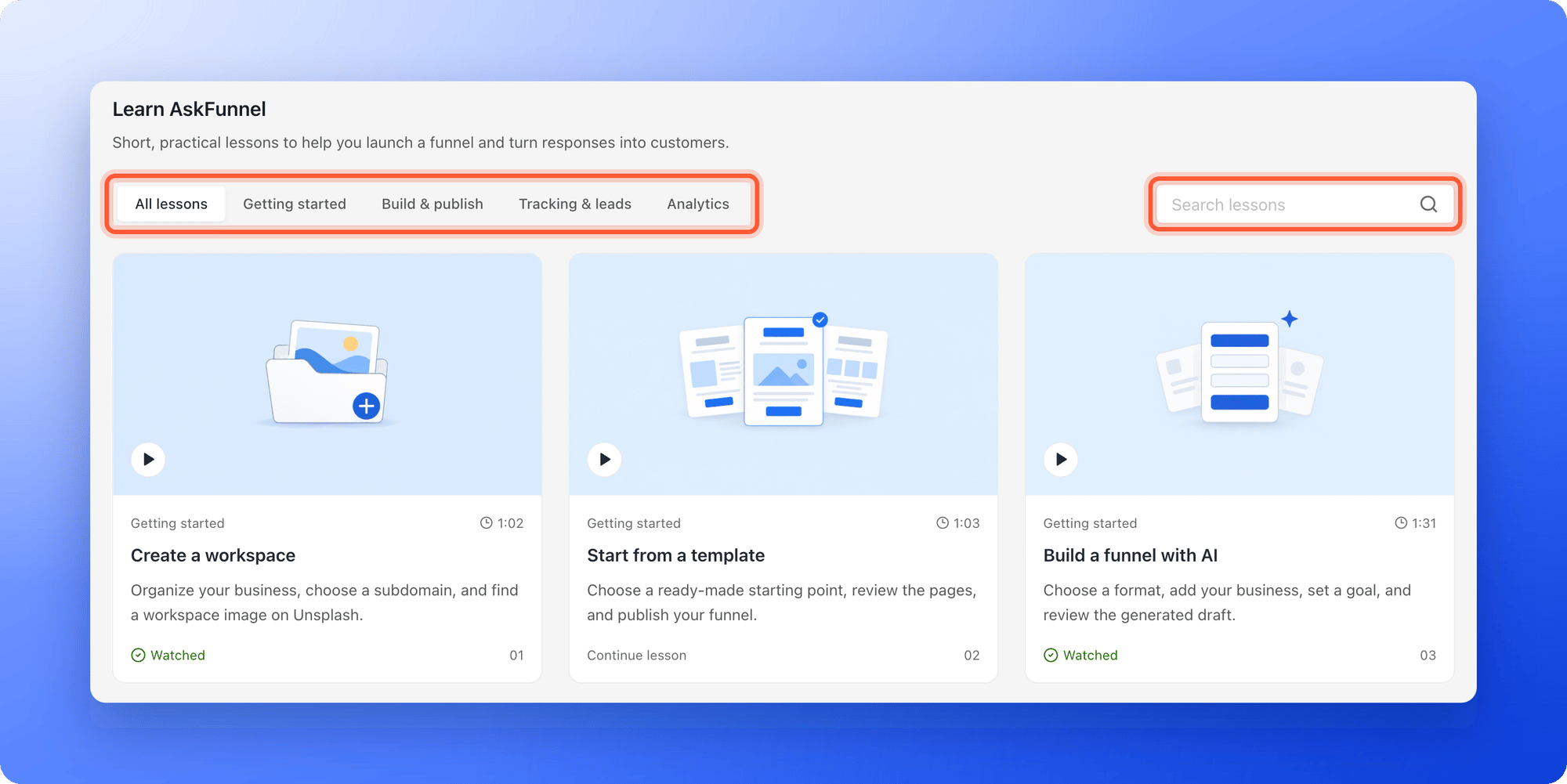
Find a lesson
- Click a topic: All lessons, Getting started, Build & publish, Tracking & leads or Analytics.
- Or type in Search lessons. It looks in the title, the description and the steps of every lesson.
3
Watch it and try it
Click a card to open the lesson. Under the video you find: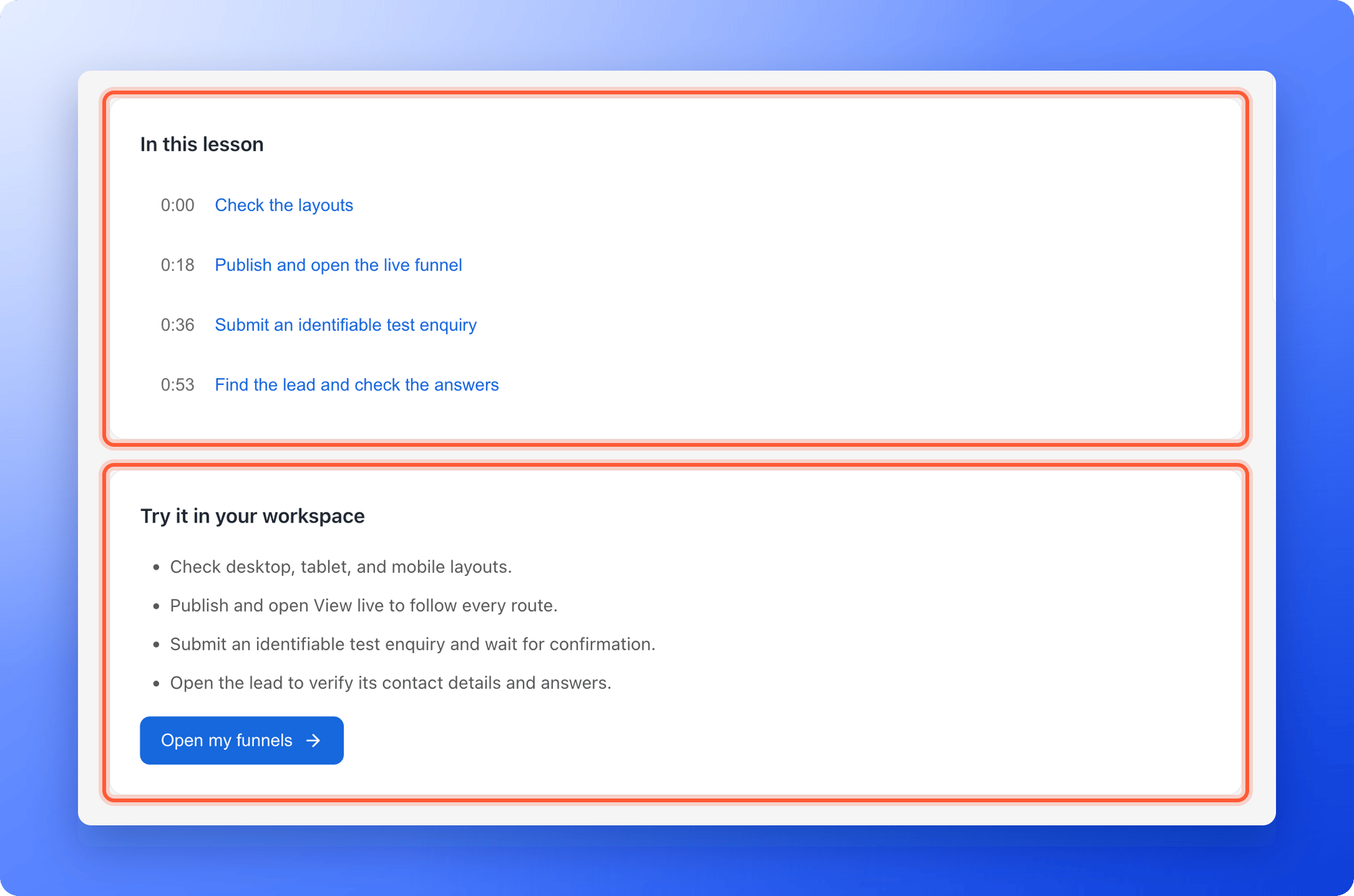
- In this lesson: the chapters. Click a time to jump to it.
- Try it in your workspace: the steps of the lesson as a list, with a button “Open my funnels” that takes you to your funnels. On the first lesson, and when you have not opened a workspace yet, the button says “Open workspaces”.
- Read the walkthrough: the whole lesson as text.
- Previous lesson and Next lesson: move through the series. The list Keep learning at the right shows every lesson.
4
Read the matching help article
Use the table below to open the help article that goes with each lesson. It has the exact labels, the limits and the answers to common problems.
The lessons and their help articles
The lesson titles open the lesson in AskFunnel. If you are not signed in, sign in first.How do I know it is working?
- The video plays, and the chapter list jumps to the time you click.
- After you play most of a lesson, its card in the Learn tab shows Watched.
- If you stop part way, its card shows Continue lesson and the video starts again where you left off.
Troubleshooting
I see This lesson couldn’t play
I see This lesson couldn’t play
Check your internet connection and click “Try again”. The written walkthrough under the video works even when the video does not.
My lessons show Watch lesson, but I watched them
My lessons show Watch lesson, but I watched them
Your progress is saved in the browser where you watched. A different browser, another device, a private window or cleared browser data starts empty.
I opened a lesson link from the Help Center and landed on Your workspaces
I opened a lesson link from the Help Center and landed on Your workspaces
You were not signed in. Sign in, click Learn in the top bar and choose the lesson.
The lesson does not match what I see
The lesson does not match what I see
The lessons use a fictional business, and the product may have changed since a lesson was recorded. Follow the matching help article in the table above for the current steps.
I see a page about my trial instead of the lessons
I see a page about my trial instead of the lessons
The lessons are part of the app, so they need an active plan or free trial. See Upgrade your plan.
There is no lesson for my question
There is no lesson for my question
Search this Help Center, or email support. See Contact AskFunnel support.
What to do next
Launch your first funnel
Start from a template and publish in about 15 minutes.
Test your funnel
Check your funnel before you send traffic.
Book an onboarding call
Get a live walkthrough with the AskFunnel team.