

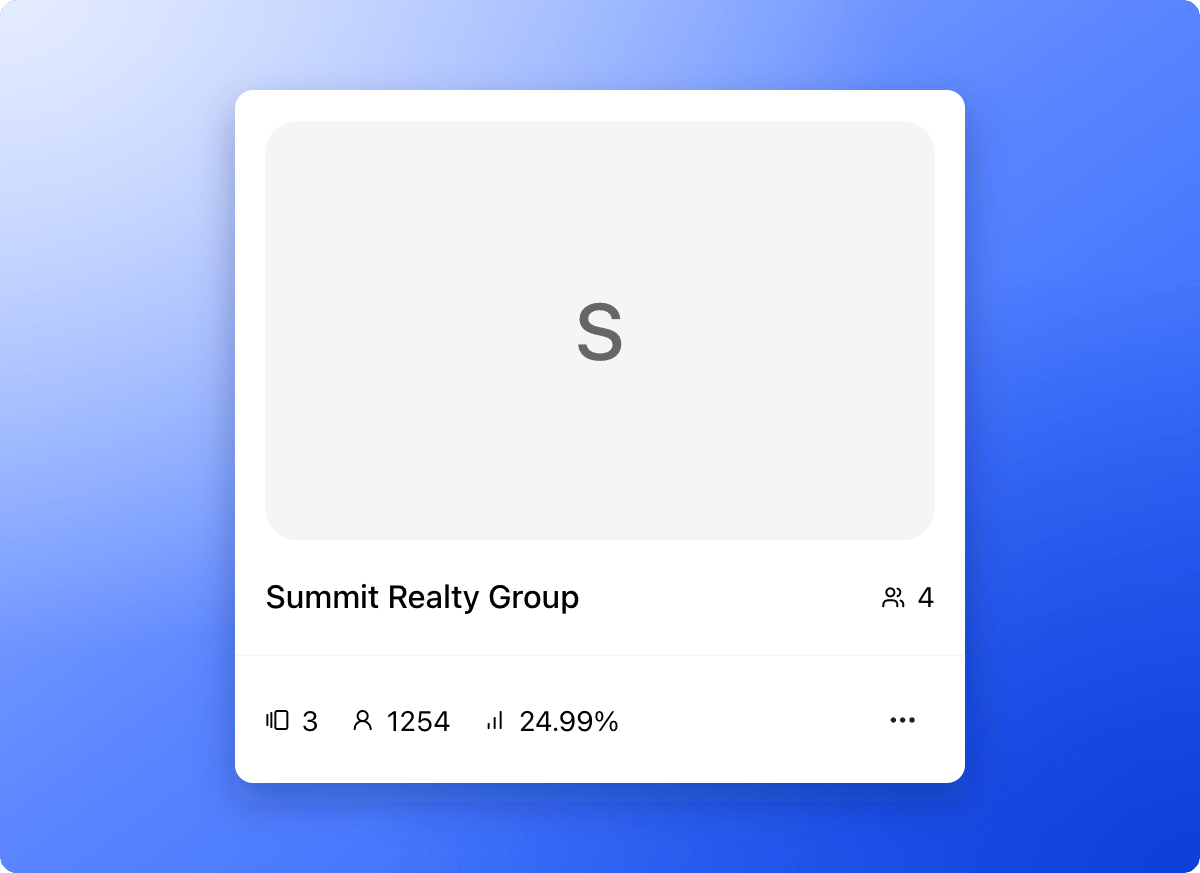
What lives in a workspace
- Funnels and leads: Every funnel, and every lead it collects, belongs to one workspace.
- Team and roles: Each person you invite gets a role in a workspace. They only see the workspaces you add them to. Global Admins can open every workspace. See Invite a teammate.
- Workspace settings: Sections for General, Members, Calendars, Domains and Senders. Open them from the … menu on a workspace card, then click “Workspace settings”. Global Admins and Workspace Admins can do this.
- A funnel address: Every workspace has a subdomain (the first part of its web address), so its funnels open at your-subdomain.askfunnel.com. You choose the subdomain when you create the workspace.
Why use more than one workspace
- Agencies: Create one workspace per client, and give each client access to their own leads only.
- Multiple brands: Keep each brand or business entity in its own space.
- Clear access: Add people to just the workspaces they need.
Important to note
What to do next
Create a workspace
One workspace for each brand or client.
Switch between workspaces
Move between clients in one click.
Invite a teammate or client
Invite a teammate or client and choose their role.