

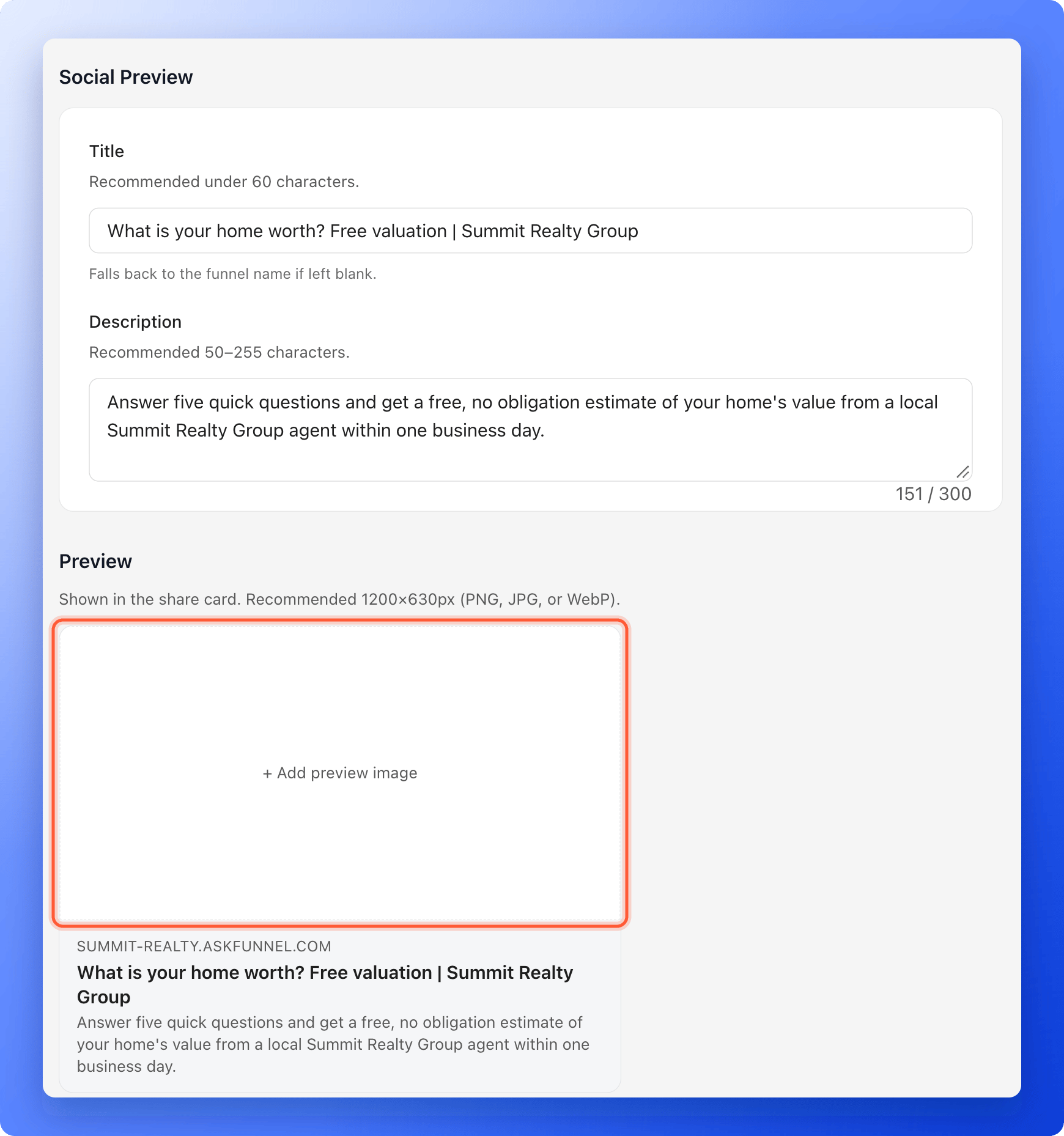
- Control the share card. Set the title, the description and the preview image.
- Brand the browser tab. Show your own icon instead of the AskFunnel default.
- Go live without republishing. When you save, your live funnel is updated right away.
- A funnel, and a role that can open “Funnel Settings”: Global Admin, Workspace Admin or Content Editor.
- Your images ready, if you want them. They must be PNG, JPG or WebP files smaller than 5 MB. A crop window opens when you add one, so you can frame it.
Set up your social preview
1
Open your funnel settings
- From your funnel list, click the three dots (…) on your funnel’s row, then click “Funnel Settings”. Inside the builder, you can click the gear icon at the top right instead.
- On the left side menu, click “Social Preview”.
2
Write your title and description
- Title: a short headline for the share card. Keep it under 60 characters. It can be up to 120 characters. If you leave it empty, AskFunnel uses your funnel name. The title is also the page title in the browser tab.
- Description: one or two sentences that say what people get. Aim for 50 to 255 characters. It can be up to 300 characters.
3
Add a preview image
- In the Preview card, click ”+ Add preview image”.
- Choose an image from your computer. Use a picture that is 1200 by 630 pixels (PNG, JPG or WebP).
- In the crop window, move the picture to frame it and click “OK”.
4
Save your changes
A bar with You have unsaved changes appears at the top. Click “Save changes”. You see Settings saved. Your live funnel is updated.
Set up your favicon
1
Open the Favicon settings
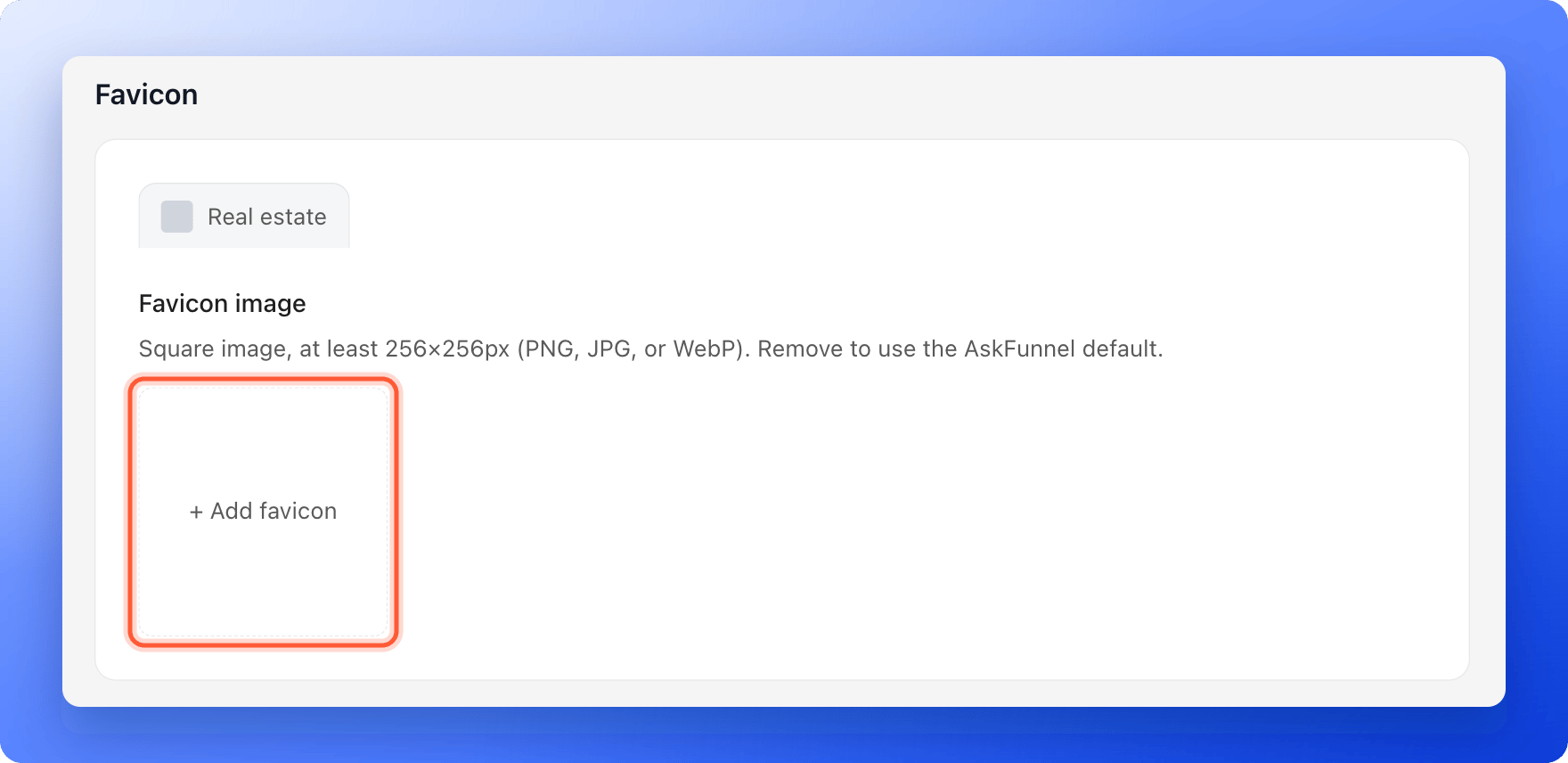
In Funnel Settings, click “Favicon” on the left side menu. A preview of a browser tab shows your funnel name next to the current icon.
2
Add your icon
- Click ”+ Add favicon”.
- Choose a square image that is at least 256 by 256 pixels (PNG, JPG or WebP). A simple version of your logo works best, because the icon is very small.
- In the crop window, frame the square and click “OK”.
3
Save your changes
Click “Save changes” in the bar at the top. Your live funnel shows the new icon. Browsers keep old icons for a while, so reload the page or open it in a private window to check.
How do I know it is working?
- Your funnel link in a new browser tab shows your icon and your title.
- Paste your link into a chat or a post draft. A card with your title, description and image appears.
Troubleshooting
My image is rejected
My image is rejected
If it says Image must be smaller than 5MB, reduce the file size and try again. A 1200 by 630 pixel JPG is usually far smaller than 5 MB. If it says You can only upload image files, choose a PNG, JPG or WebP picture. Other file types are not accepted.
The browser tab still shows the old icon
The browser tab still shows the old icon
Browsers cache icons. Close the tab, reopen your link, or try a private window. It can take a little while to update.
I do not see the Save changes bar
I do not see the Save changes bar
It only appears after you change something. Change a field or add an image and it shows at the top of the page.
What to do next
Set up cookies and consent
Decide whether people see a cookie banner before tracking starts.
Connect your custom domain
Put your funnels on your own web address.
View and manage your leads
See the leads your shared link brings in.