

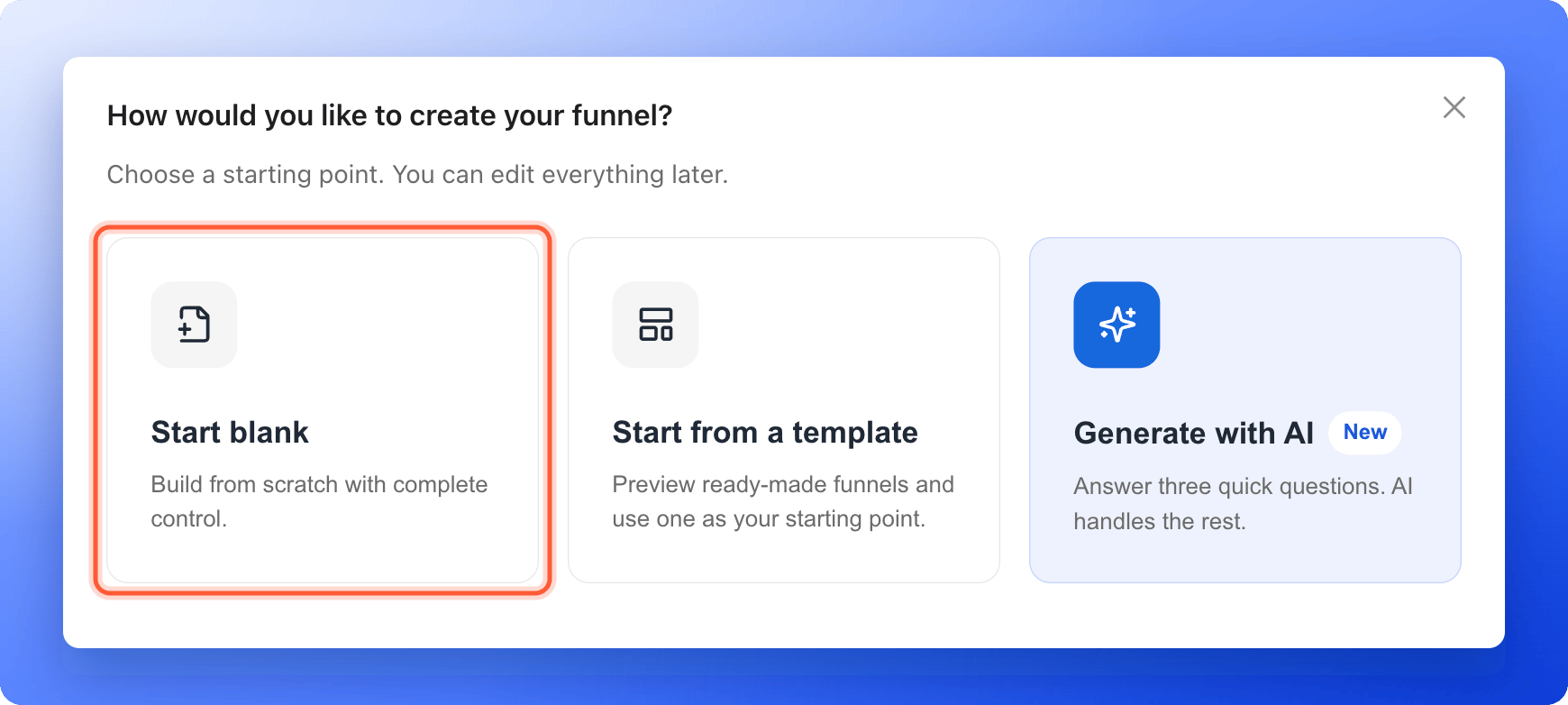
- Start blank. Build from scratch with complete control. This page shows you how.
- Start from a template. Preview ready-made funnels and use one as your starting point. See Launch your first funnel.
- Generate with AI. Answer three quick questions and AI builds the funnel for you. A build uses 50 AI credits.
- An AskFunnel account and a workspace. See Create your account.
- A role that can create funnels: Global Admin, Workspace Admin or Content Editor. If you do not see “Create Funnel”, ask a Workspace Admin or Global Admin.
- A verified email address. You need it to publish, not to build.
Important to note
Create and build your funnel
1
Create a blank funnel
- On the Funnels page of your workspace, click “Create Funnel” at the top right.
-
Click “Start blank”.
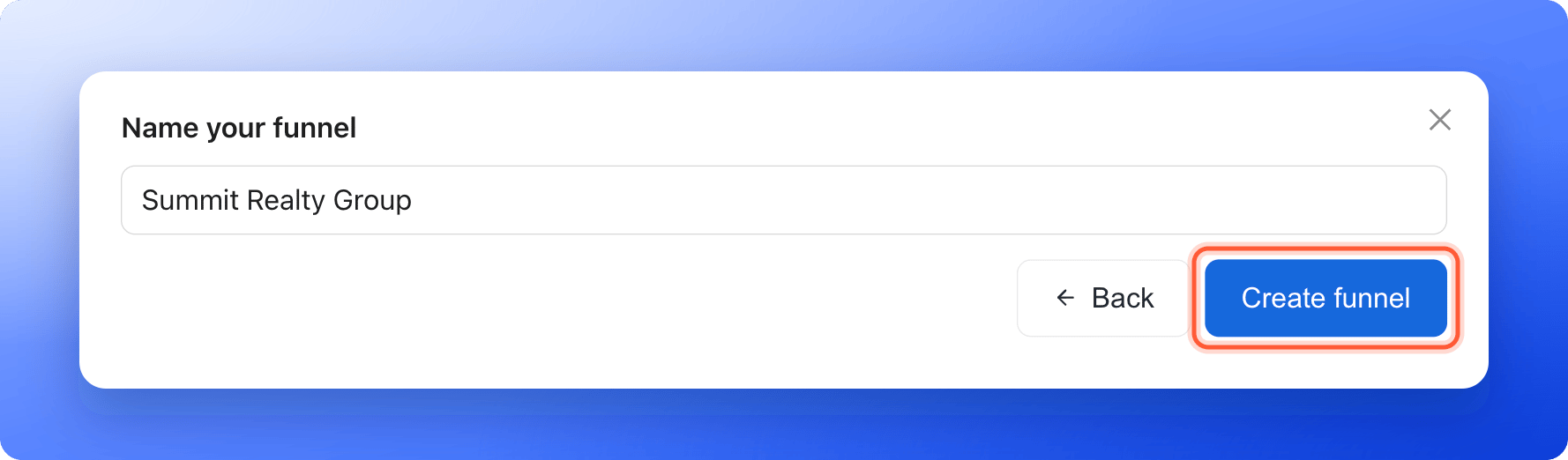
- Type a name, for example “Summit Realty Group”. Use 2 to 60 characters. The name shows in your funnel list and in the browser tab, unless you set a different title in Social preview and favicon.
- Click “Create funnel”. The funnel builder opens.
2
Add a ready-made section
Sections are ready-made groups of blocks that you drop onto your page and then edit. They are the fastest way to fill a blank page.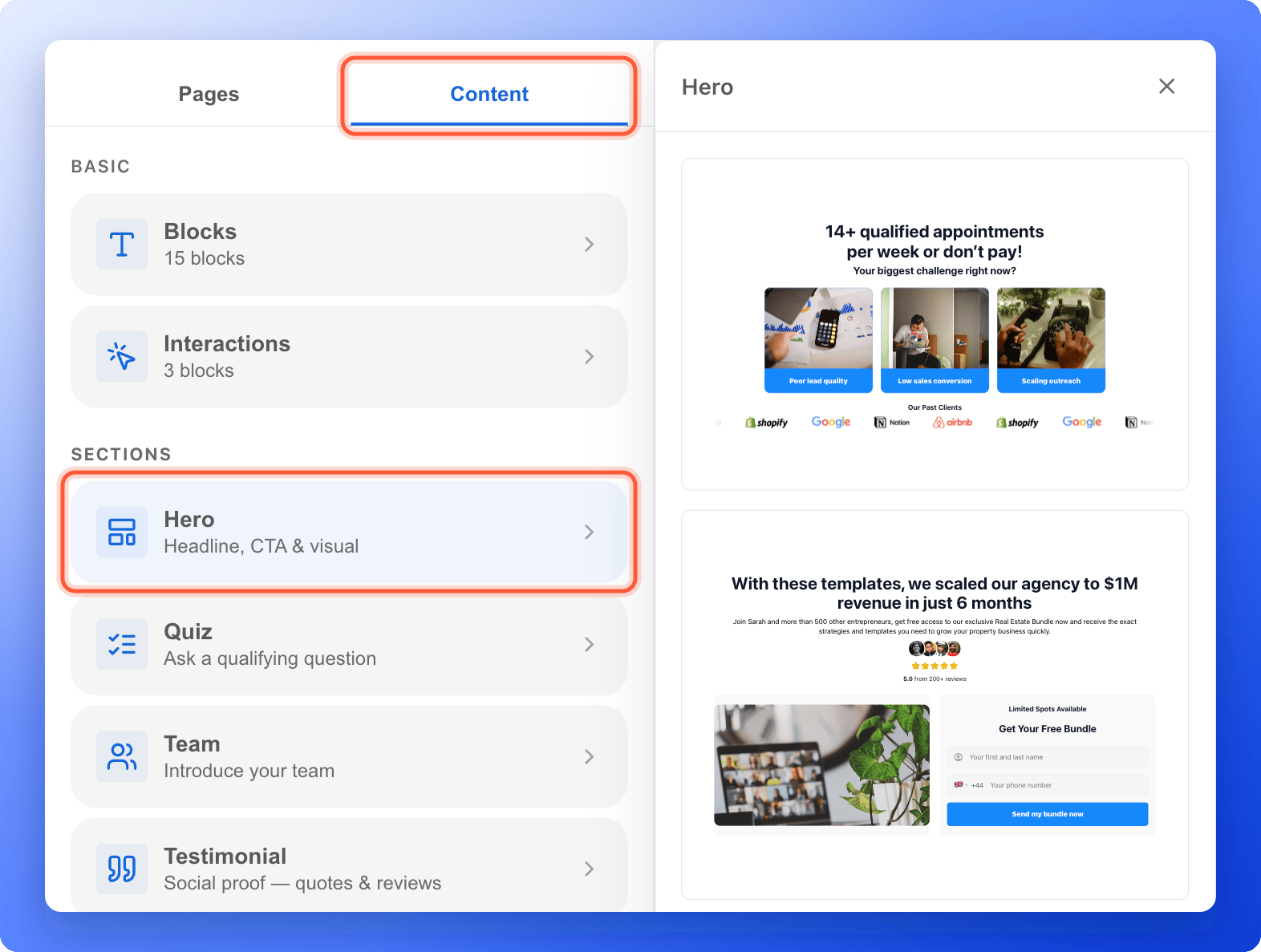
- On the left side menu, click the “Content” tab.
- Under Sections, click the section you want:
- Hero adds a headline, a call to action and a visual.
- Quiz asks a qualifying question.
- Team introduces your team.
- Testimonial shows quotes and reviews from your customers.
- Call to Action drives the next step with an offer and a button.
- Social Proof shows logos and trust signals.
- A panel opens with several designs. Click the design you like. It is added to your page right away.
- Click any text to type your own words, or click an image to replace it.
3
Add your questions and your form
Under Content, the Interactions group holds the blocks that collect answers: Quiz, Media Quiz and Form. Add a question with Build quiz questions and collect contact details with Set up your lead capture form.
4
Publish your funnel
Click “Publish Funnel” at the top right of the builder. When it is done, you see Your funnel is live. and the funnel shows Live in the Status column of your funnel list.
Troubleshooting
Generate with AI says Choose a plan to continue or Not enough AI credits
Generate with AI says Choose a plan to continue or Not enough AI credits
Building with AI needs an active plan and enough AI credits. A build costs 50 credits. See Plan and usage.
I want to rename my funnel
I want to rename my funnel
Open the funnel in the builder, click its name at the top left, type a new name and press Enter. The link you share does not change when you rename the funnel.
What to do next
Build quiz questions
Ask one question per page and choose where each answer leads.
Set up your lead capture form
Collect the contact details you need to follow up.
Manage your funnel pages
Add, rename, reorder and delete pages and results.
Share your funnel
Get your funnel link and start sending people to it.