

Available on: all plans (Starter, Growth, Scale and Enterprise). A build uses 25 AI credits.
- Start from your website. Type your website address and AI researches your business and market for you.
- Start without a website. Give a business name and an industry instead.
- Pick the shape of your funnel. Choose a full funnel, a landing page with a form, or a quiz with a form.
- Edit everything afterward. The result is a normal funnel in the builder, not a locked design. Polish the words with the AI text tools.
- A role that can create funnels: Global Admin, Workspace Admin or Content Editor.
- A verified email address.
- An active plan or free trial with at least 25 AI credits left. See How AI credits work.
Important to note
Build your funnel
1
Start the AI builder
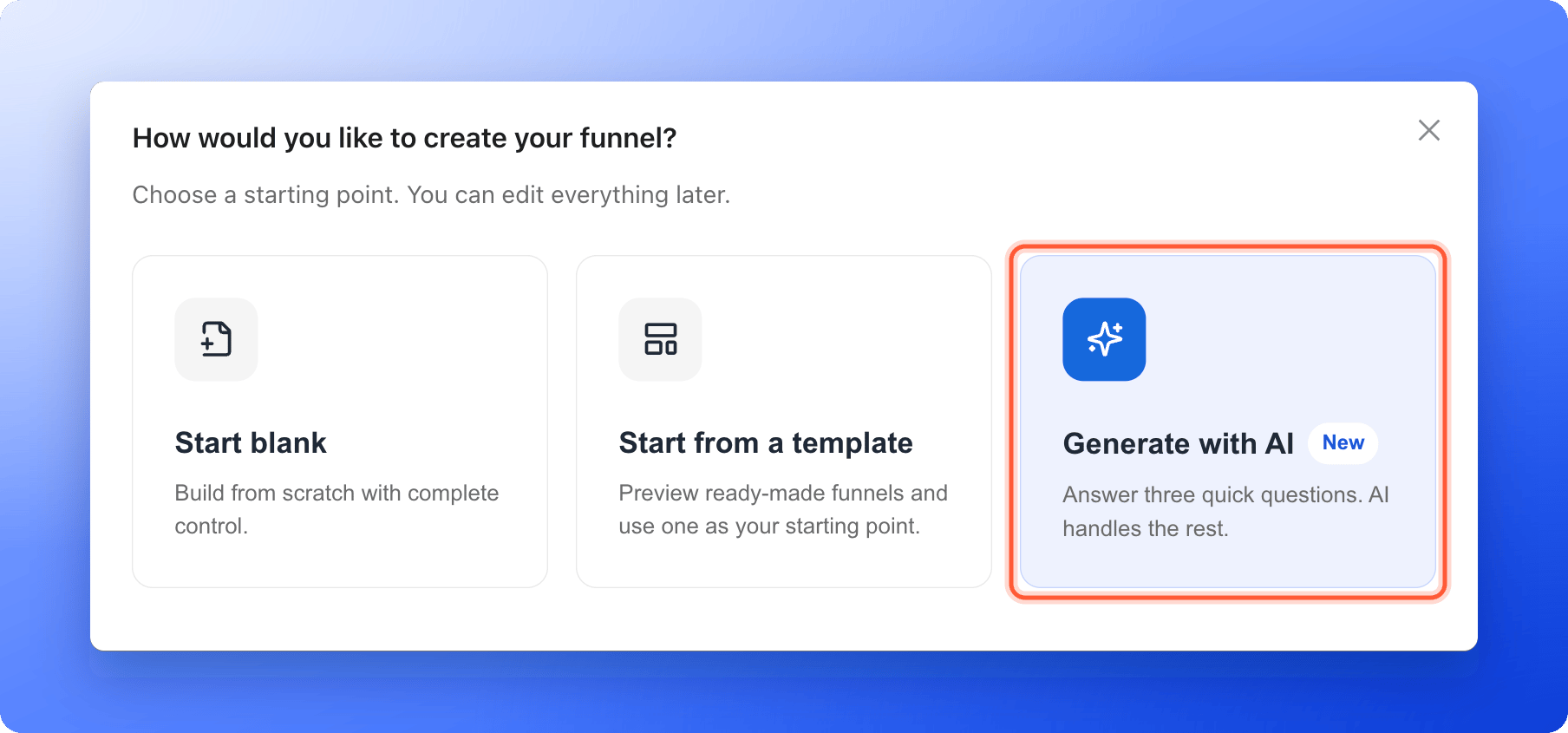
- On the Funnels page of your workspace, click “Create Funnel” at the top right.
- Click “Generate with AI”. The window Build with AI opens and shows Step 1 of 3.
2
Choose a funnel format
Under Choose a funnel format, click one card and then “Continue”: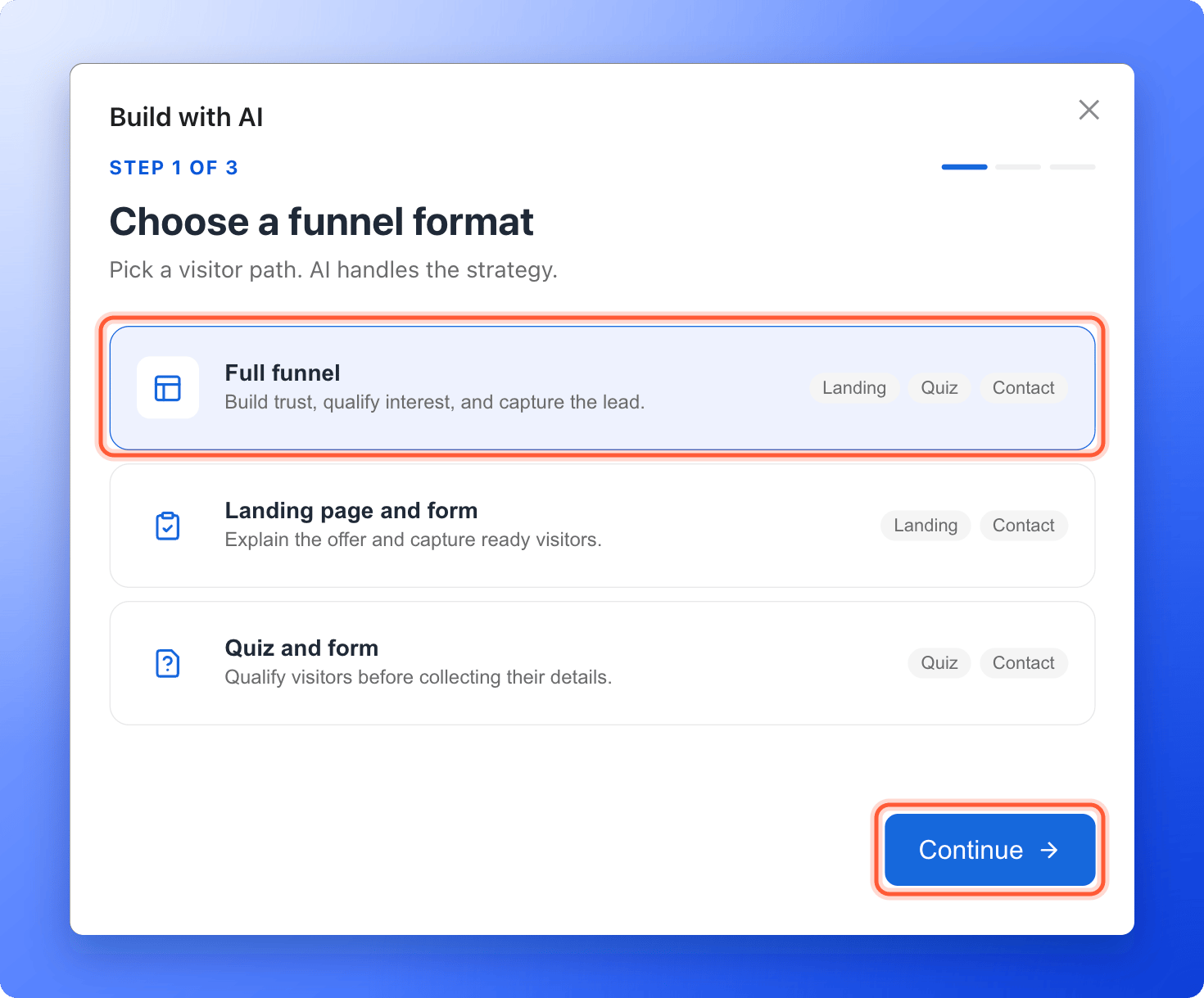
- Full funnel: builds trust, qualifies interest and captures the lead. It has a landing page, a quiz and a contact form.
- Landing page and form: explains your offer and captures visitors who are ready. It has a landing page and a contact form.
- Quiz and form: qualifies visitors before collecting their details. It has a quiz and a contact form.
3
Tell AI where to start
Under Where should AI start?, choose one: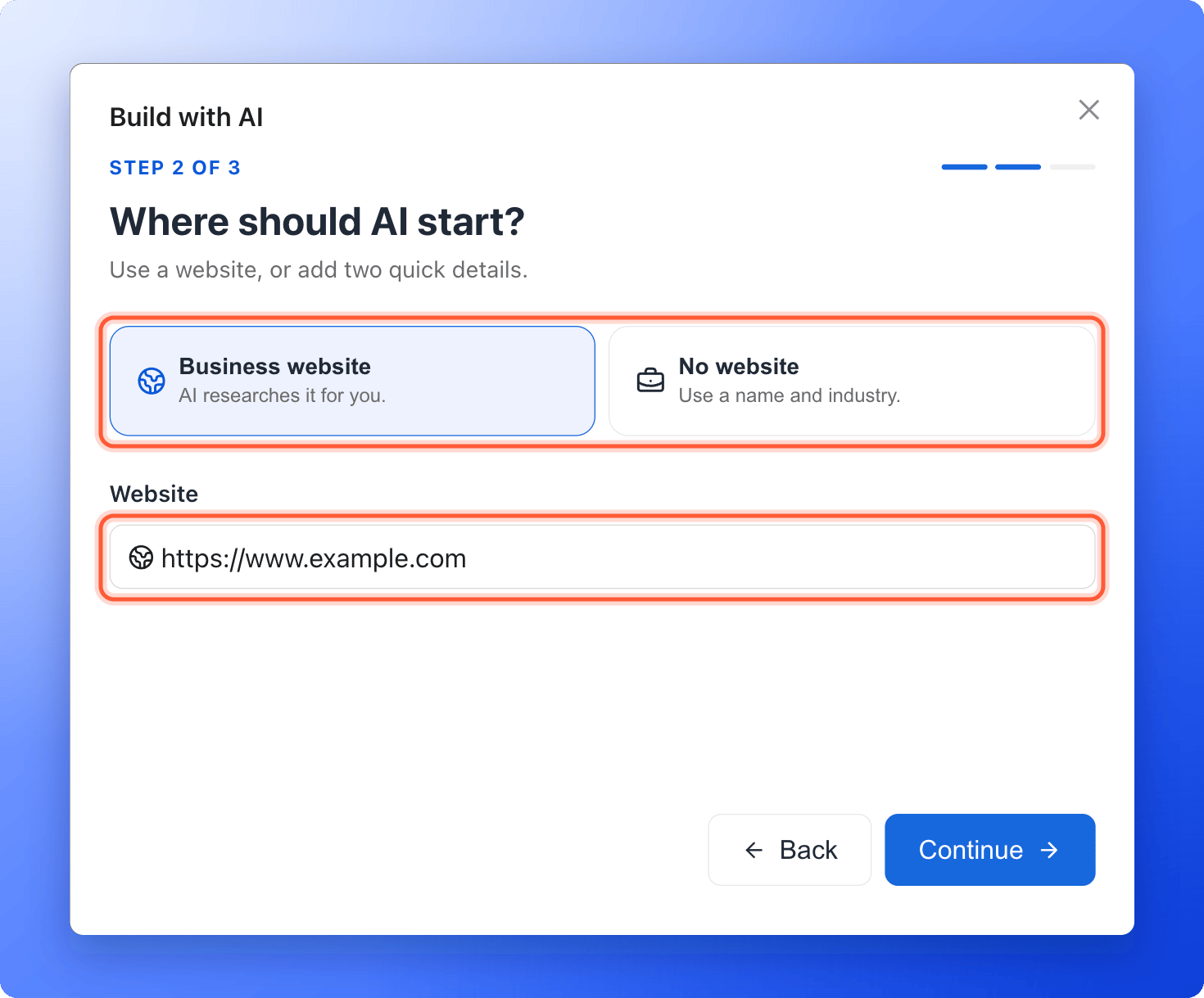
- Business website: type your website in Website, for example
https://www.example.com. AI researches it for you. - No website: type your Business name and choose an Industry from the list. If you pick Other, type the name of your industry under Industry name.
4
Choose the main goal and build
Under What is the main goal?, click the closest match: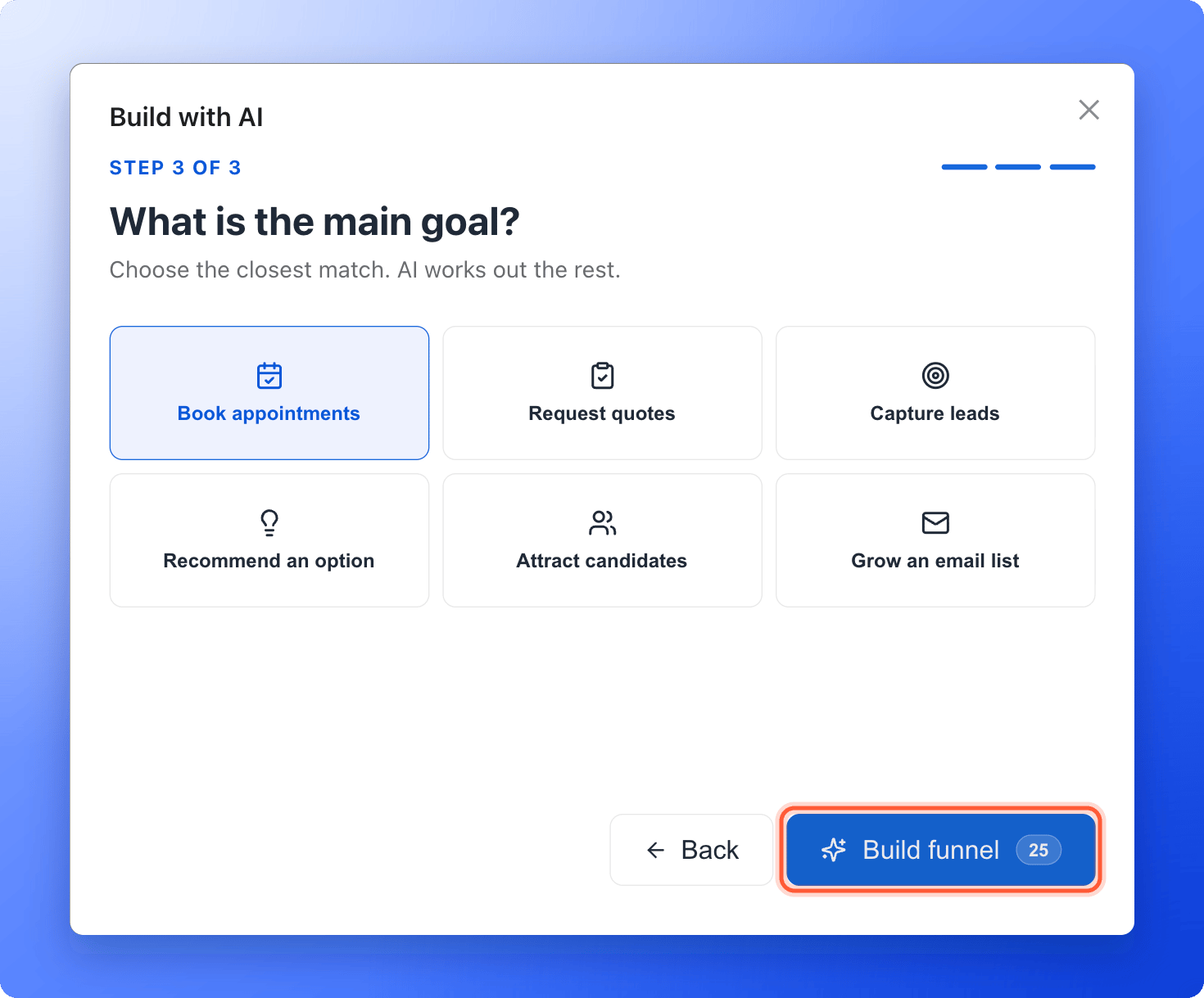
- Book appointments
- Request quotes
- Capture leads
- Recommend an option
- Attract candidates
- Grow an email list
5
Watch the build
AskFunnel opens the Building your funnel page. A progress bar and a list show each stage, from Researching the business and market and Writing the funnel to Saving the editable draft.You can leave the page. The build continues, and the progress comes back when you return. A card for the build also shows on your Funnels page. To stop a build, click “Cancel build”. You see Generation cancelled. Your credits were not charged.
6
Review your draft
When the build is done, the page says Your editable draft is ready to review. and shows a Strategy summary with the Ideal audience, Primary need, Core message and Conversion approach, and What the research found. Click “Open editor”.In the builder, open each page and read it as a visitor would. Edit the text, swap images, check your questions and your contact form, then publish. See Build quiz questions and Set up your lead capture form.
How do I know it is working?
- The progress reaches 100% and the page says Your editable draft is ready to review.
- The new funnel is in your Funnels list with the status Draft.
- Open editor opens the builder with your pages, questions and form already filled in.
Troubleshooting
I see Please verify your email address to use AI features
I see Please verify your email address to use AI features
Open the verification email we sent you and click its link, then try again.
It says Enter a website like google.com
It says Enter a website like google.com
The website box needs an address such as
example.com or https://www.example.com. If you have no website, click “Back”, choose No website and use your business name and industry.My build says Generation did not finish
My build says Generation did not finish
The page shows the reason. Click “Try again” to start the build again. The credits from the failed build are released, and the new attempt holds 25 credits again.
I see Two AI funnels are already being generated
I see Two AI funnels are already being generated
You can have up to 2 builds running at the same time. Wait for one to finish, or cancel one with “Cancel build”, then start again.
I cannot find my build
I cannot find my build
Builds you started recently show as a card at the top of your Funnels page. Click “Open editor”, “View” or “Review” on it. Click the cross to remove the card. The funnel itself stays in your list. A build’s progress page is kept for 30 days.
The draft is not what I expected
The draft is not what I expected
There is no box to describe your offer, so AI works from your website, or from your business name and industry, plus the format and goal you chose. Edit the draft in the builder. You can also build again with a different format or goal, which uses another 25 credits.
I do not see Generate with AI
I do not see Generate with AI
Your role in this workspace does not allow creating funnels. Contacts Managers cannot create or edit funnels. Ask a Workspace Admin or Global Admin to change your role.
What to do next
Build quiz questions
Edit the questions AI wrote, or add your own.
Set up your lead capture form
Check what your form asks for.
Publish your funnel
Put it live and go back to an earlier version if you need to.
How AI credits work
See what uses credits and how to add more.