> ## Documentation Index
> Fetch the complete documentation index at: https://help.askfunnel.com/llms.txt
> Use this file to discover all available pages before exploring further.
# What is a workspace?
> A workspace keeps the funnels, leads and team for one brand or client together.
A workspace is where you build funnels and manage leads for one brand, business or client. Your account can hold as many workspaces as you need, so the work for different clients never gets mixed up. Your first workspace is created when you [create your account](/getting-started/create-account).
 ## What lives in a workspace
* **Funnels and leads:** Every funnel, and every lead it collects, belongs to one workspace.
* **Team and roles:** Each person you invite gets a role in a workspace. They only see the workspaces you add them to. Global Admins can open every workspace. See [Invite a teammate](/workspaces/give-access).
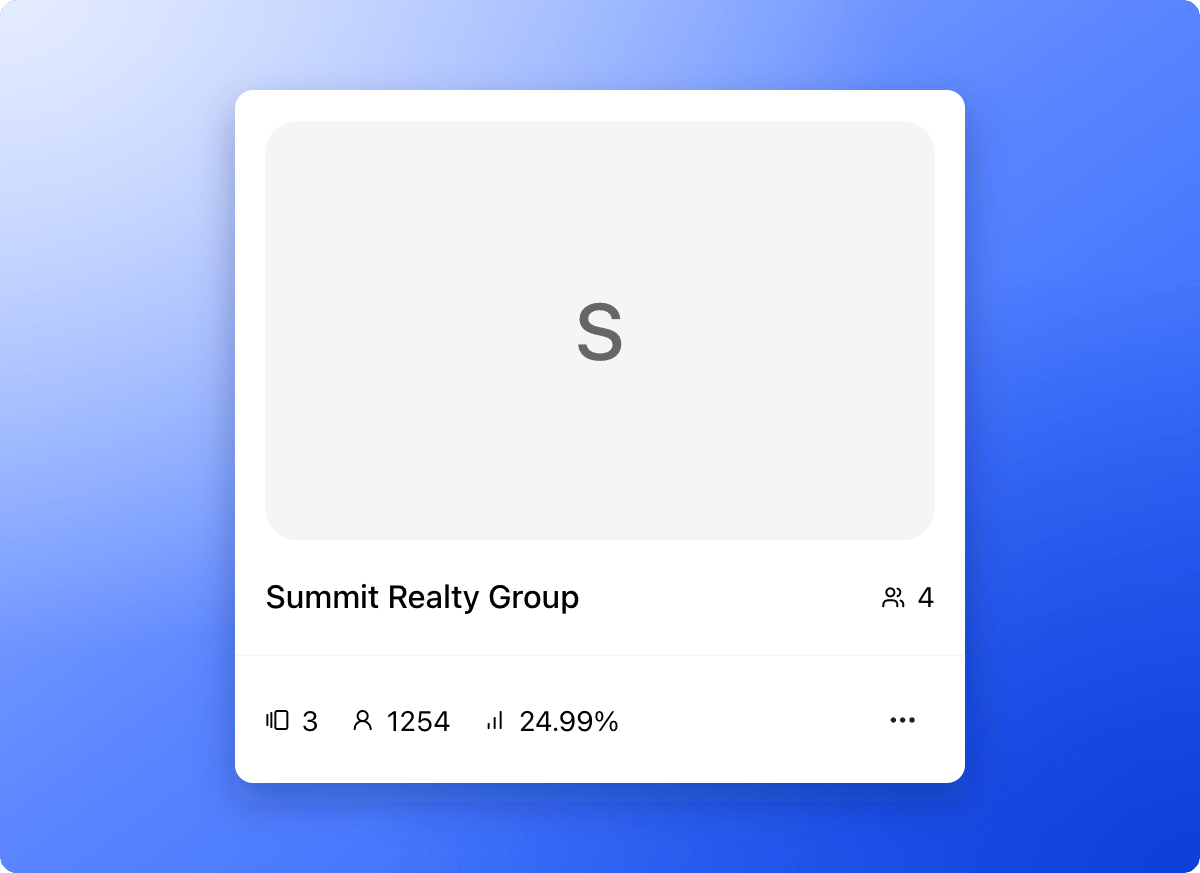
* **Workspace settings:** Sections for **General**, **Members**, **Calendars**, **Domains** and **Senders**. Open them from the **...** menu on a workspace card, then click **"Workspace settings"**. Global Admins and Workspace Admins can do this.
* **A funnel address:** Every workspace has a subdomain (the first part of its web address), so its funnels open at your-subdomain.askfunnel.com. You choose the subdomain when you [create the workspace](/workspaces/create-workspace).
## Why use more than one workspace
* **Agencies:** Create one workspace per client, and give each client access to their own leads only.
* **Multiple brands:** Keep each brand or business entity in its own space.
* **Clear access:** Add people to just the workspaces they need.
## Important to note
* Every plan includes unlimited workspaces. Live funnels, leads, team seats and AI credits are counted across all of your workspaces together.
* Only Global Admins can create and delete workspaces.
## What to do next
One workspace for each brand or client.
Move between clients in one click.
Invite a teammate or client and choose their role.
Need help? Email [support@askfunnel.com](mailto:support@askfunnel.com).
## What lives in a workspace
* **Funnels and leads:** Every funnel, and every lead it collects, belongs to one workspace.
* **Team and roles:** Each person you invite gets a role in a workspace. They only see the workspaces you add them to. Global Admins can open every workspace. See [Invite a teammate](/workspaces/give-access).
* **Workspace settings:** Sections for **General**, **Members**, **Calendars**, **Domains** and **Senders**. Open them from the **...** menu on a workspace card, then click **"Workspace settings"**. Global Admins and Workspace Admins can do this.
* **A funnel address:** Every workspace has a subdomain (the first part of its web address), so its funnels open at your-subdomain.askfunnel.com. You choose the subdomain when you [create the workspace](/workspaces/create-workspace).
## Why use more than one workspace
* **Agencies:** Create one workspace per client, and give each client access to their own leads only.
* **Multiple brands:** Keep each brand or business entity in its own space.
* **Clear access:** Add people to just the workspaces they need.
## Important to note
* Every plan includes unlimited workspaces. Live funnels, leads, team seats and AI credits are counted across all of your workspaces together.
* Only Global Admins can create and delete workspaces.
## What to do next
One workspace for each brand or client.
Move between clients in one click.
Invite a teammate or client and choose their role.
Need help? Email [support@askfunnel.com](mailto:support@askfunnel.com).